
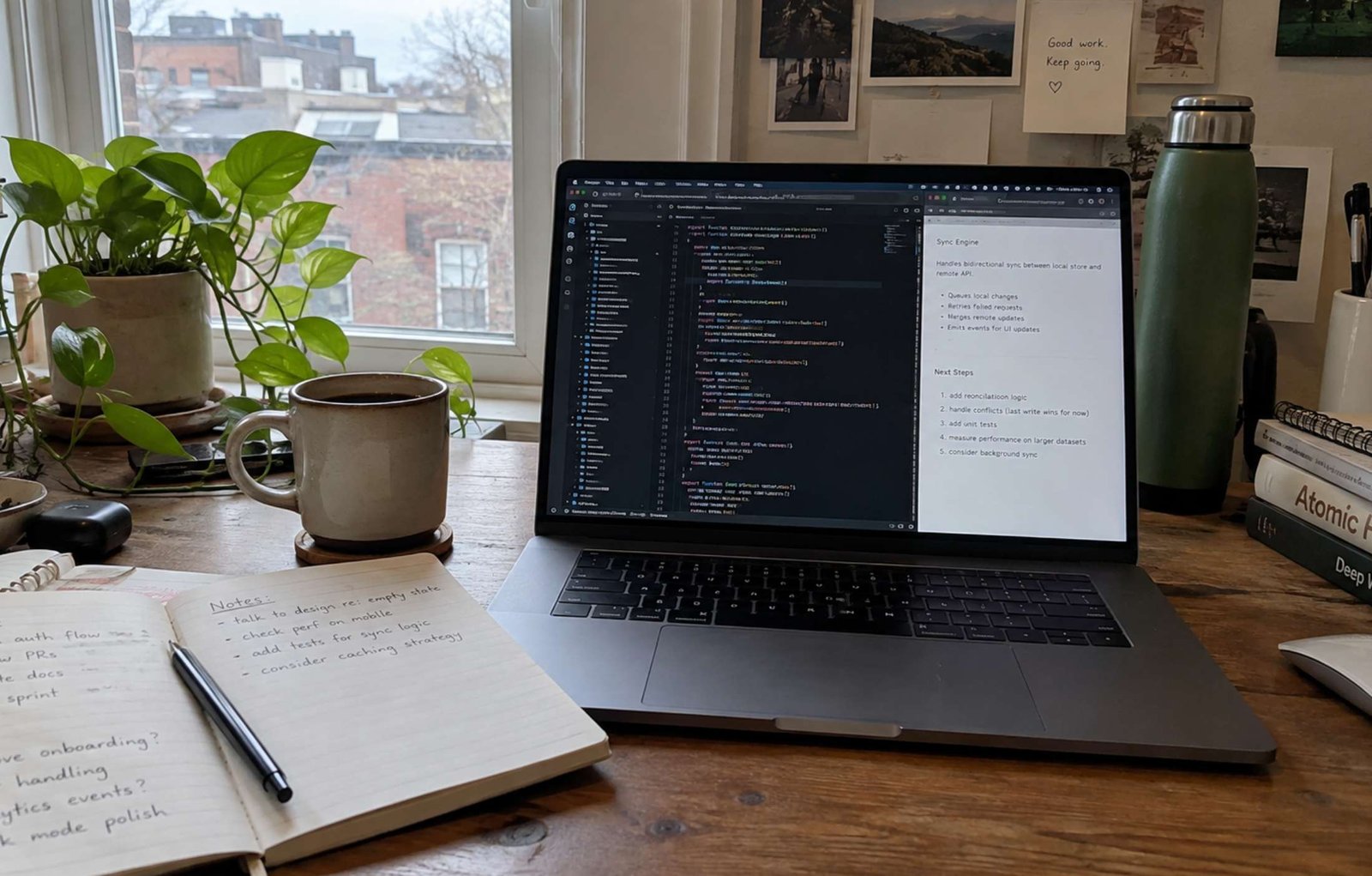
The artificial intelligence landscape has completely transformed how digital creators, marketers, and webmasters produce visual content. A few years ago, generating a simple image of a cat riding a bicycle was considered a technological marvel. Today, the challenge is no longer just generating an image; the real challenge is generating an image that looks undeniably real.
As AI tools have evolved, a common problem has emerged: the dreaded “AI look.” This refers to images that feature overly smooth skin, hyper-cinematic lighting, unnatural symmetry, and a plastic, glossy finish that immediately tells your audience the image is fake. For professional content creators looking to build trust and authority on their websites, this artificial aesthetic is unacceptable.
In this comprehensive guide, we will dive deep into advanced prompt engineering. We will explore exactly how to strip away cinematic post-processing keywords from your prompts to generate highly grounded, raw, and realistic visual assets for your projects.
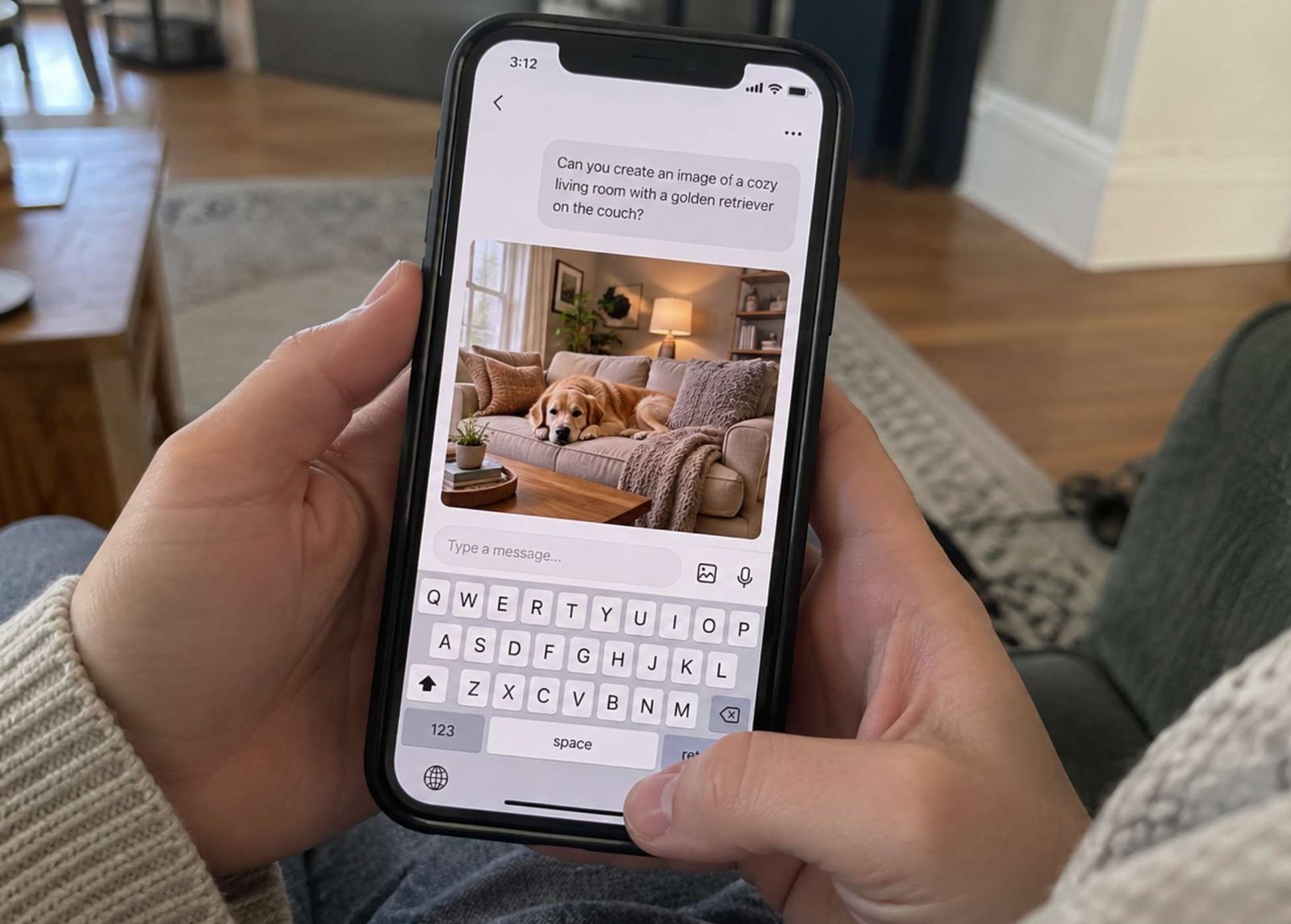
1. Understanding the Anatomy of a Perfect Prompt
Before diving into complex modifiers, it is crucial to understand how modern AI text-to-image models interpret language. A standard prompt should not be written like a casual conversation. Instead, it must follow a strict structural hierarchy.
A professional-grade prompt typically consists of four main pillars:
-
The Medium: What exactly is the AI creating? (e.g., a photograph, a 3D render, a vector illustration).
-
The Subject: Who or what is the main focus? (Be hyper-specific about clothing, posture, and expression).
-
The Environment: Where is the subject located? What is in the background?
-
The Technical Specifications: What camera was used? What is the lighting like?
When most beginners use platforms like Midjourney or OpenAI’s DALL-E, they simply type: “A man sitting in a cafe.” The AI fills in the missing information using its default training data, which heavily favors dramatic, cinematic styling. To take control, you must dictate every variable.
2. Banishing the “Cinematic Effect”: The Rules of Realism
If you want to create images that look like they were snapped on a standard smartphone by an amateur photographer—which is often exactly what a blog needs for authentic, relatable content—you must actively instruct the AI to avoid its natural tendencies.
Here are the most effective modifiers to include in your prompts to guarantee a realistic output:
-
“Raw smartphone photo”: This tells the AI to abandon professional DSLR depth-of-field and emulate the slightly flattened look of a mobile camera.
-
“No post-processing” / “Unedited look”: These phrases prevent the AI from applying heavy color grading, HDR effects, or artificial contrast.
-
“Natural alignment” / “Everyday lighting”: This removes the dramatic studio lighting (like rim lights or harsh neon glows) and replaces it with standard, slightly flawed ambient light.
-
“Candid” or “Amateur framing”: This prevents the AI from centering the subject perfectly, adding a human touch of imperfection.
3. Iterative Prompting: Fixing Mistakes and Fine-Tuning
Even with the best initial prompt, AI rarely gets it perfect on the first try. Professional creators use a technique called iterative prompting. This involves analyzing the first generated result and making micro-adjustments rather than starting over completely.
For example, if the AI generates a realistic scene but the subject is wearing clothing that clashes with your website’s color scheme, your next prompt should specifically target that variable. You might add a strict directive such as: “change pants color to beige” or “remove the man standing near the door.”
Advanced tools like Kling AI and Midjourney’s Vary (Region) feature allow you to select specific parts of an image and regenerate only those pixels, preserving the natural alignment of the rest of the scene. This level of granular control is what separates amateur AI users from professional prompt engineers.
4. The Best AI Image Generators for Realism
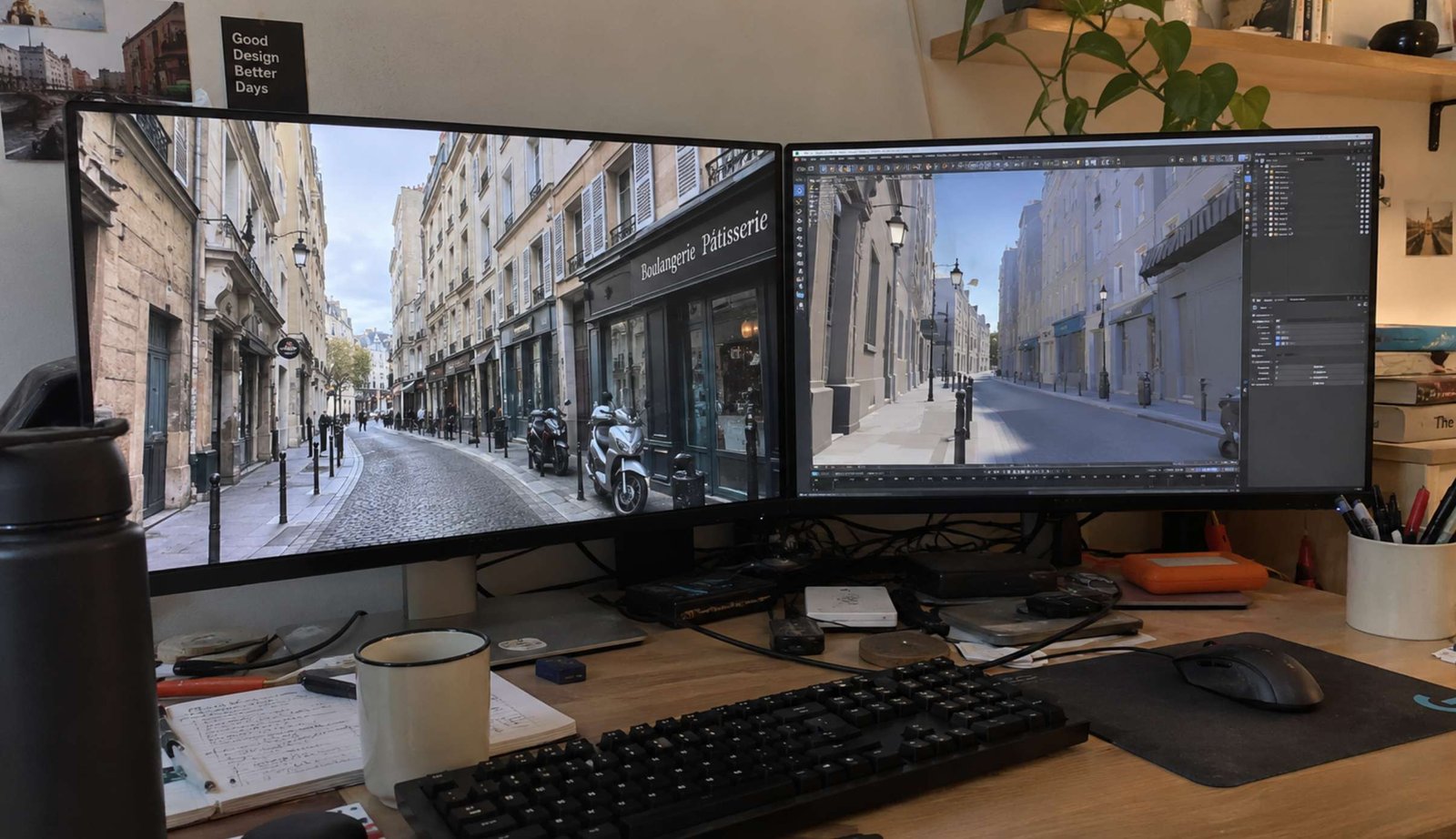
While the AI market is flooded with new tools daily, only a few currently possess the capability to generate truly photorealistic, unedited-looking images:
-
Midjourney v6: Currently the industry standard for realism. By adding the
--style rawparameter to the end of your prompt, you can force the system to prioritize photographic accuracy over artistic interpretation. -
Stable Diffusion (SDXL): An open-source model that requires more technical setup but offers unparalleled control over specific elements using ControlNet.
-
Kling AI: An incredibly powerful emerging tool for both hyper-realistic image and video generation, offering intuitive understanding of physical space and natural object placement.
Conclusion
Mastering AI image generation is no longer an optional skill for digital creators; it is a fundamental requirement. By understanding how to structure your prompts, utilizing negative modifiers to strip away cinematic gloss, and iterating patiently, you can produce highly authentic visual assets. Stop relying on generic stock photos. Start engineering prompts that deliver raw, believable realism, and watch your audience engagement soar.