
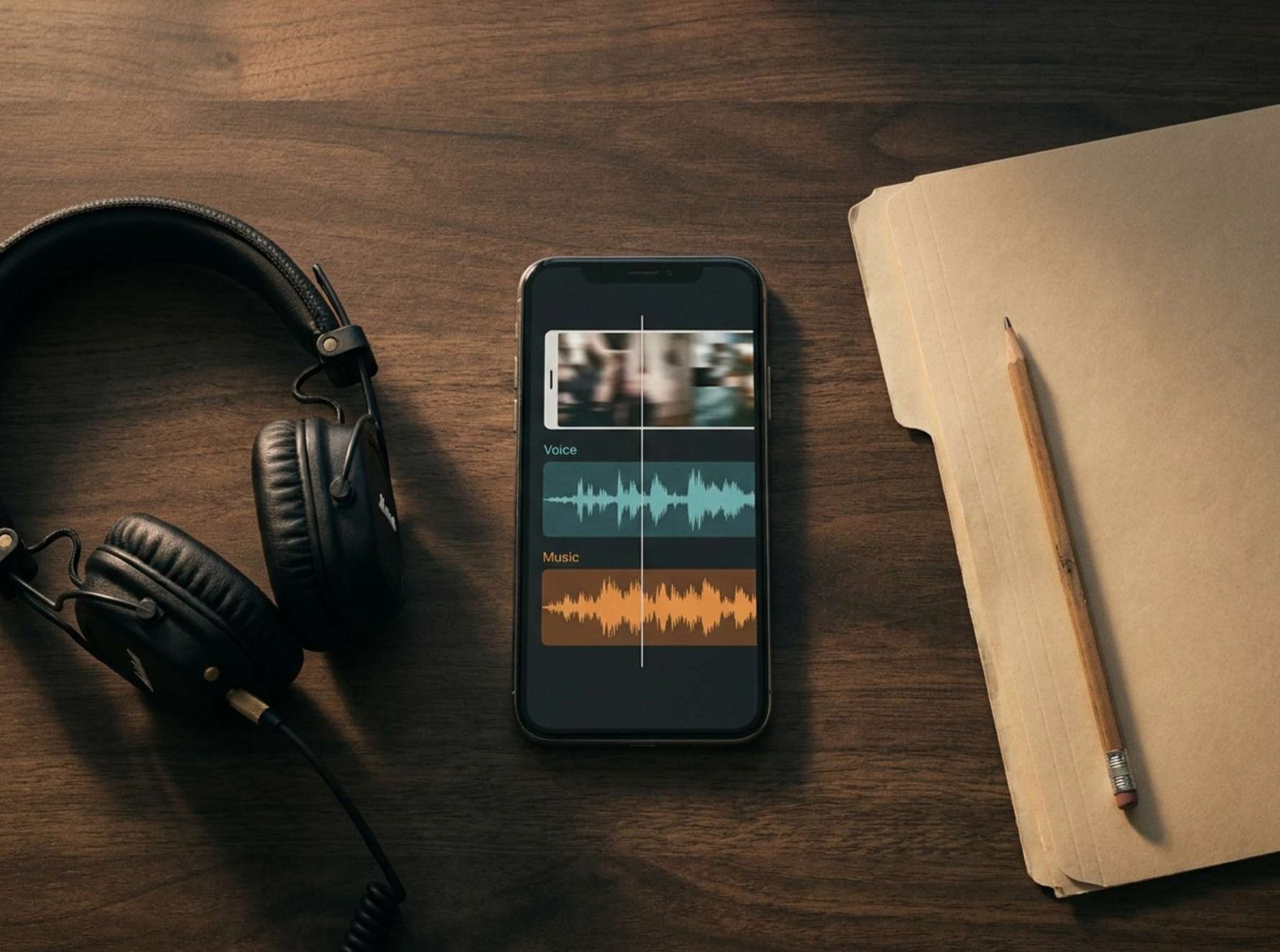
Your video is ready. The voiceover sounds clear, the captions fit, and the background track gives the opening a little energy.
You publish it on one social platform. Then you download that version and prepare to upload it somewhere else.
This is the moment to check the music.
A song available inside one app is not, by itself, evidence that you can include it in every version of your video. You need to identify the permission that covers the destination and the way you plan to use it.
For creators who publish tutorials, promote services, or manage a small business account, the most useful habit starts before uploading: keep a version of the video without background music.
One Video Can Have Several Different Uses
Consider this fictional example.
A freelance website designer makes a 30-second clip showing how to improve a contact page. The plan is to publish it on TikTok and YouTube, then possibly use it in a paid campaign.
The pictures and spoken explanation can stay the same. The music needs a separate decision for each use.
| Planned use | Question to resolve before publishing |
|---|---|
| TikTok post promoting the designer’s service | Is the track cleared for this commercial use on TikTok? |
| YouTube upload | What permission covers the music in this YouTube video? |
| Paid campaign | Does the permission include advertising on the intended platform? |
| Video uploaded directly to a website | Does the license cover that additional destination? |
This is a planning example, not a report of an actual campaign.
The table also prevents a common mistake: checking permission for the first upload and assuming that decision covers everything that happens later.
“The Song Appears in My App”
Start with the purpose of the post.
TikTok recommends its Commercial Music Library when content promotes a brand, product, or service. Its help page explains that the licenses it holds for music outside that library do not cover commercial use in content. Using music from elsewhere requires the necessary permissions; selecting an “original sound” does not remove that responsibility. TikTok’s commercial music guidance
For the fictional website designer, that means choosing music for a service promotion, even if the video also teaches something useful.
TikTok’s documented selection process includes checking the campaign region and filtering by usable placements. Its Commercial Music Library supports organic and paid content, subject to the applicable selection and terms. Business Accounts see Commercial Sounds when adding sound; personal accounts can select Commercial Sounds through the sounds menu. How to use TikTok’s Commercial Music Library
Make the music decision using the actual post you intend to publish. Account labels alone do not describe its purpose.
“I Found a Free Track on YouTube”
There is a difference between YouTube’s Audio Library and a regular video whose title says “free background music.”
The official Audio Library is available in YouTube Studio. You can search its tracks and check their license type. Tracks carrying a Creative Commons attribution requirement need the specified credit in the video description; the library provides attribution text to copy.
YouTube also distinguishes its own Audio Library from music offered by other channels and libraries. Its help page does not provide a blanket assurance about uses outside YouTube. For another destination, inspect the actual license attached to the track. YouTube Audio Library guidance
For a YouTube version of the designer’s tutorial, the practical sequence is:
- Open YouTube Studio’s Audio Library.
- Choose a suitable track and inspect its license information.
- Save the required attribution, if applicable.
- Add the track to the YouTube version of the project.
- Include the required credit when publishing.
Keep that decision separate from the music selected for TikTok.
“I Want Exactly the Same Soundtrack Everywhere”
Then look for a license that explicitly covers the complete publishing plan.
Before selecting a track from an independent music provider, find answers to these questions:
- Which platforms and websites does the license cover?
- Does it include commercial posts and paid advertising?
- Does it cover your own account, a client’s account, or both?
- Are particular channels or projects supposed to be registered?
- Is attribution required?
- What happens to existing publications and future uploads if a subscription ends?
These are questions to check against the provider’s terms, not features every music service promises.
If the wording is unclear, send the provider a concrete description:
I am producing a short video promoting a website design service. I want to publish it on TikTok and YouTube and may later use it in paid advertising. Which license covers those uses?
Keep the response with the project. A clear answer about the intended use is more useful than a general marketing phrase such as “music for creators.”
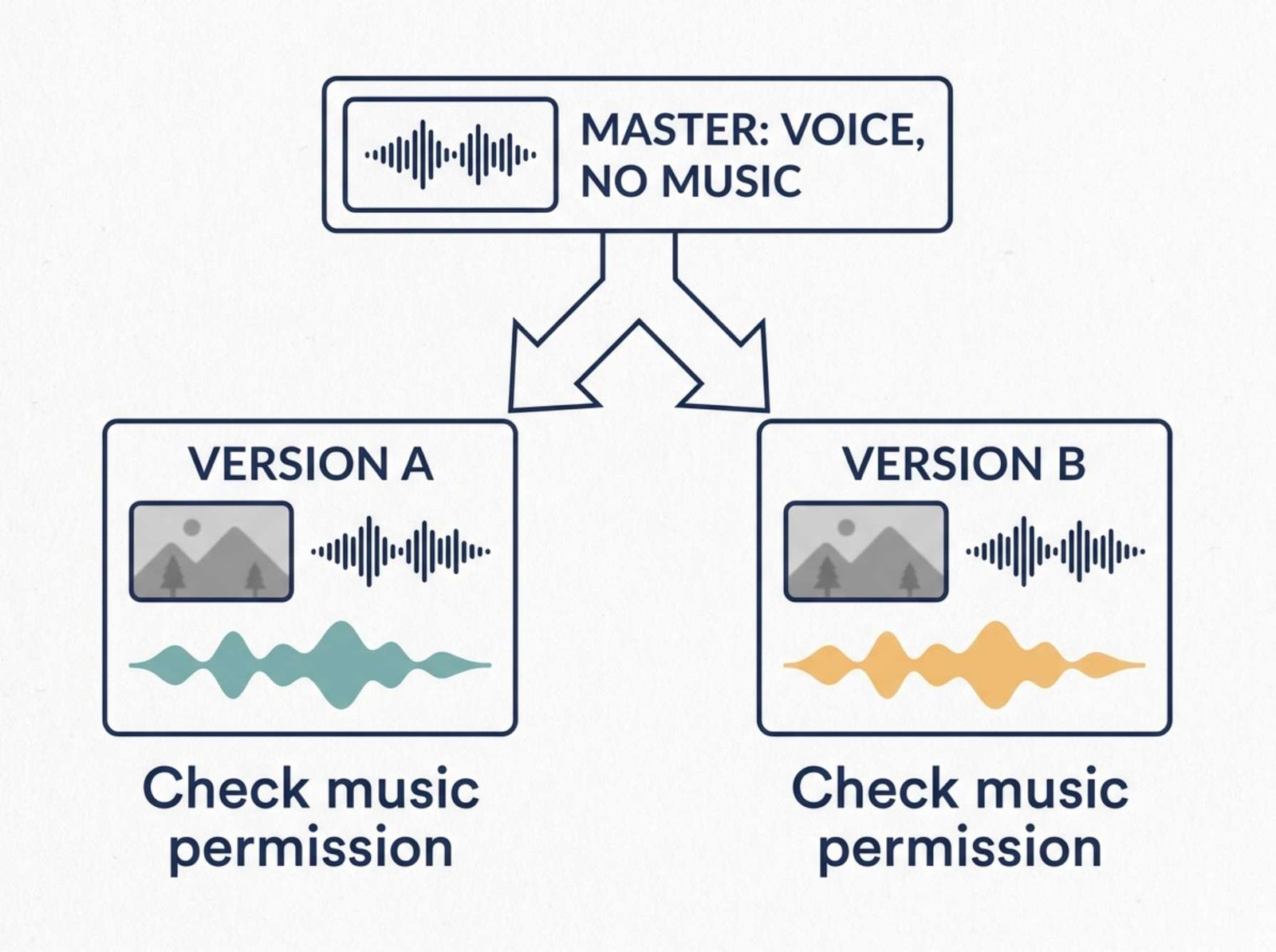
Keep a Master Without Background Music
In your editing project, put speech and background music on separate tracks.
Export a master containing the finished pictures, captions, voiceover, and any sound effects you are entitled to use, with the background music muted.
Listen to that export before saving it. Confirm that muting the music did not also remove the spoken explanation.
A simple folder for the fictional tutorial could contain:
contact-page-master-no-music.mp4contact-page-youtube.mp4contact-page-tiktok-upload.mp4music-permissions.txt- A folder containing license documents and attribution text
If you plan to add music inside TikTok, the TikTok upload file can be the master without background music. Add the selected sound during the platform’s publishing process.
This arrangement gives you a practical recovery option. If a track needs replacing, you can return to the clean master instead of trying to remove music already mixed with your voice.
It also lets you change the soundtrack without rebuilding captions, cuts, and graphics.
Save a Small Record of Each Music Choice
You do not need an elaborate tracking system. A short note beside the video can capture the information you would otherwise forget.
For each version, record:
| Field | What to save |
|---|---|
| Video version | Exact exported filename |
| Music | Track title, artist, and track ID if available |
| Source | Library name and track page |
| Intended use | Platform, account, organic post or advertisement |
| Permission | License document or relevant terms |
| Credit | Required attribution text |
| Date | When you obtained the track and checked its terms |
A screenshot can help identify the track and what you selected. Save the actual license or terms as well when available.
This record does not expand the permission you received. It helps you locate and understand it when you reuse a project months later.
Credit and Short Clips Do Not Replace Permission
Two shortcuts are especially unreliable: adding the artist’s name and using only a few seconds.
YouTube’s copyright guidance explains that giving credit does not automatically grant usage rights. It also warns that even a short extract can produce copyright issues. Buying a song for listening does not automatically grant the right to include it in an uploaded video. YouTube’s explanation of common copyright myths
Attribution still matters when a license requires it. The distinction is that you are following an existing permission, rather than creating permission by writing a credit.
When You Decide to Promote an Existing Post
Return to the music record before turning an ordinary post into an advertisement.
For the fictional designer, the new question is specific: does the chosen track cover this paid campaign, on this platform, under the relevant conditions?
If that remains unresolved, prepare a different version with appropriately licensed music or use the clean master with voiceover only.
Finally, play the exact version you intend to publish. Check that the voice remains understandable, the ending is clean, the correct soundtrack is present, and any required credit accompanies the post.
Keeping the clean master and the music record together makes the next upload much easier to prepare.