
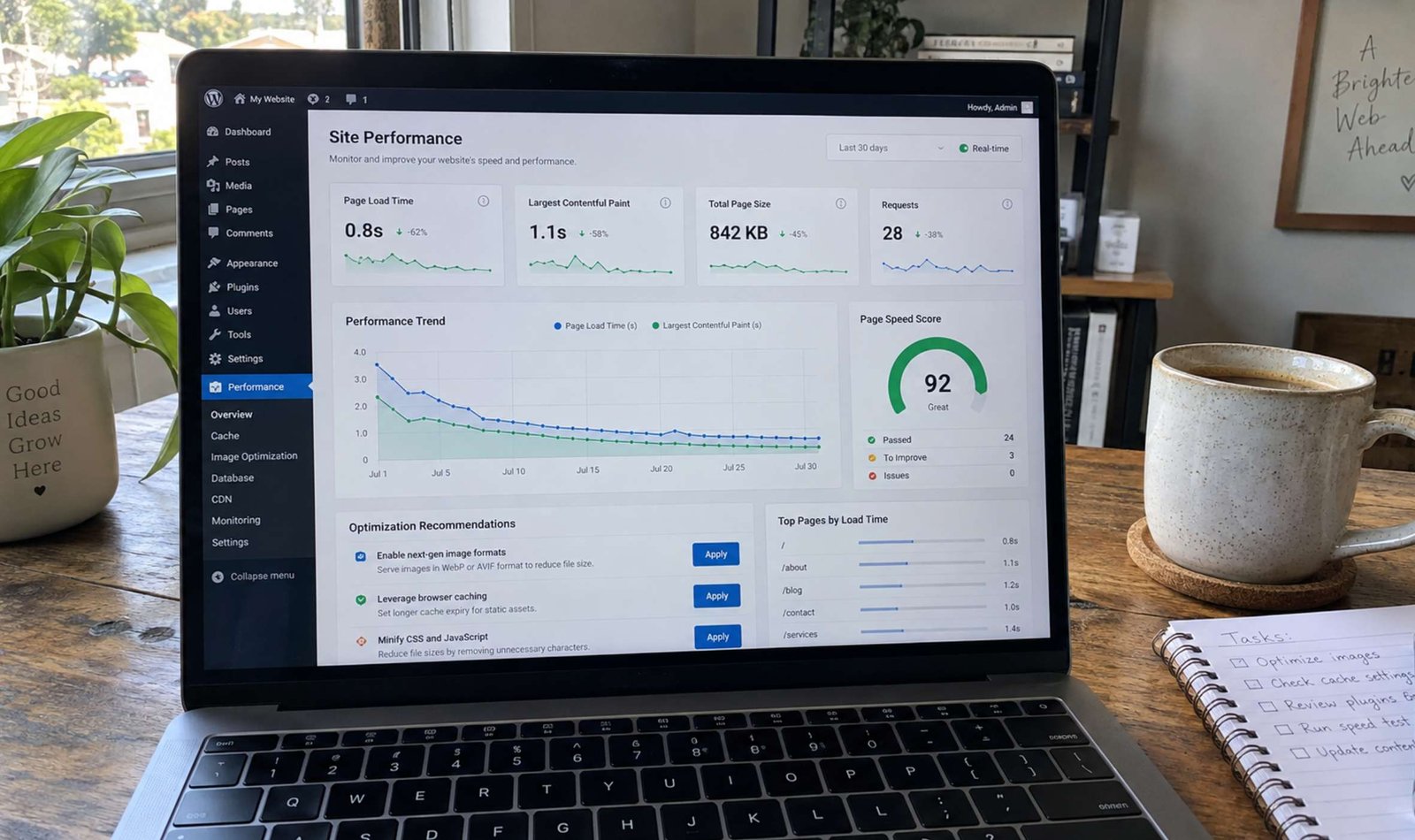
If you are running a digital platform, whether it is a content hub or a creator portfolio, your website’s loading speed is no longer just a luxury—it is a critical ranking factor. In recent years, search engines have become increasingly strict about user experience metrics. A slow website not only frustrates visitors but also actively harms your chances of ranking on the first page of search results and securing premium ad placements.
In this comprehensive guide, we will break down the most effective, practical steps you can take today to optimize your WordPress site for maximum performance, without needing an advanced degree in computer science.
1. Choose and Optimize the Right Theme
The foundation of any fast WordPress site is its theme. Many beginners make the mistake of installing heavily animated, bloated themes that look visually stunning but require dozens of background scripts to function.
If you are managing a high-traffic blog or a magazine-style website, you might be using a powerful, feature-rich framework like the Soledad theme. While themes like this are fantastic for displaying diverse content and tracking total views, they must be optimized correctly. Always ensure you are utilizing the theme’s built-in performance settings. Disable any modules or sliders you are not actively using on your homepage. A clean, optimized database and a well-configured theme are the first steps toward a lightweight website. For more details on choosing optimized themes, you can always check the official WordPress Theme Directory.
2. The 300 Kilobyte Rule for Images
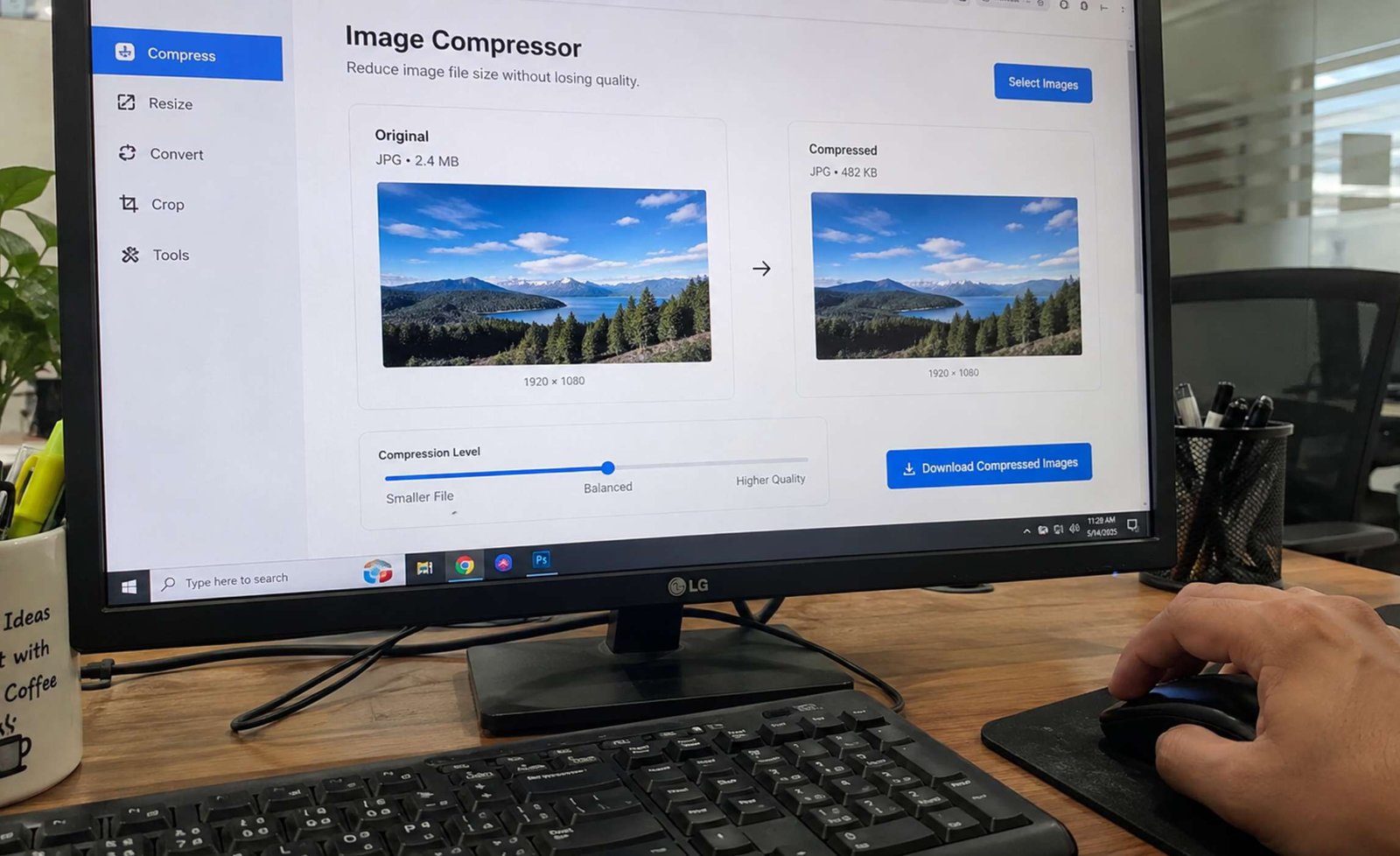
The number one culprit of a slow website is unoptimized media. As creators, we constantly upload screenshots, infographics, and high-resolution photos. However, uploading a 4MB raw image file directly to your media library is a massive mistake.
To keep your pages loading instantly, adopt the 300-kilobyte rule: no single image on your website should exceed 300KB.
How do you achieve this without sacrificing visual quality?
-
For desktop workflows: If you are a macOS user taking frequent screen captures for tutorials, default screenshot tools can generate bulky PNG files. Switch to a lightweight utility like Shottr. It allows you to capture, crop, and compress your screenshots natively, keeping them well under the 300KB limit before they even touch your WordPress dashboard.
-
Next-Gen Formats: Always convert your final images to WebP format. This modern image format provides superior lossless and lossy compression for images on the web, significantly reducing file sizes compared to traditional JPEGs.
3. Implement Robust Edge Caching and SSL
Speed and security go hand-in-hand. When a user requests to view your website, your server has to compile the database and the PHP files to serve the page. This takes time. Caching creates a static HTML version of your page, delivering it to the user in a fraction of a second.
Beyond standard WordPress caching plugins, you should route your traffic through a Content Delivery Network (CDN). A highly recommended solution for creators is Cloudflare. Cloudflare not only caches your content on servers globally—meaning a user in Europe loads your site as fast as a user in the US—but it also simplifies security.
With Cloudflare, you can easily configure strict SSL certificates for your primary domain and ensure seamless, encrypted connections even if you are running complex subdomains. Google has explicitly stated that HTTPS is a ranking signal, so having an optimized SSL setup is non-negotiable for organic growth.
4. Audit Your Plugins Regularly
Finally, keep your plugin architecture lean. Every active plugin adds code to your site. Set a calendar reminder to audit your plugins every three months. If a plugin hasn’t been updated by its developer in over a year, or if it performs a function you no longer need, delete it completely—do not just deactivate it.
Conclusion
Optimizing your WordPress site is an ongoing process, but by applying these fundamental strategies—mastering your theme settings, strictly enforcing the 300KB media rule, and leveraging a CDN like Cloudflare—you will create a lightning-fast experience. Your readers will stay longer, search engines will rank you higher, and your platform will be perfectly positioned for sustainable growth.