
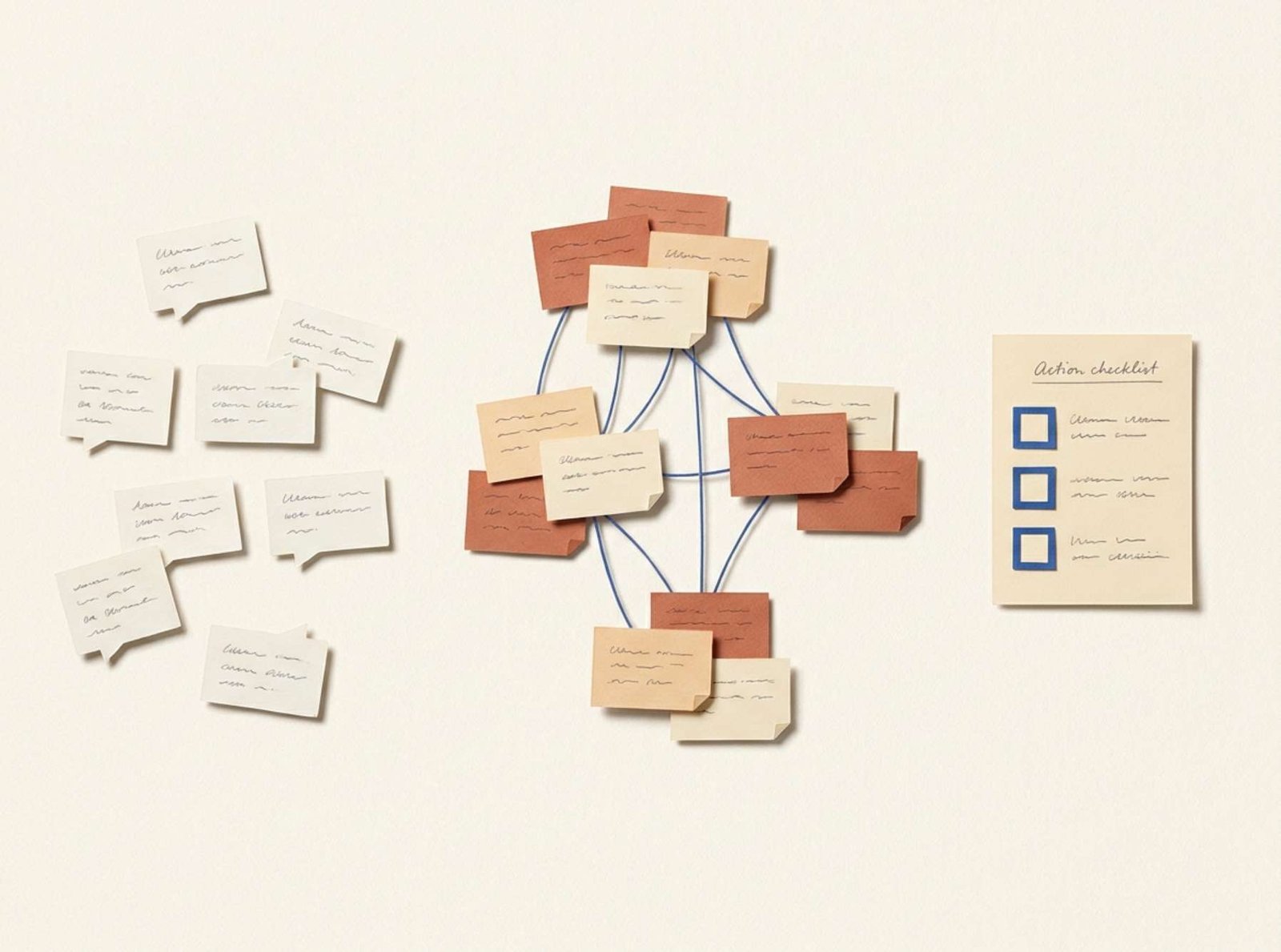
A reader says the screenshots are hard to read. Another asks for a practice file. Someone else reports that a button has moved.
An AI assistant can turn these comments into a tidy summary within one response. The harder question is whether that summary preserves enough detail to help you improve the page.
“Readers want a better user experience” gives you very little to work with. “Check the screenshot in Step 3 on a phone” gives you a specific place to begin.
For a blog owner, a useful feedback analysis connects each proposed task to the comments that justify it. You should be able to trace a recommendation back to the reader’s words and see which details still need checking.
Put the feedback in a form you can inspect
Begin with comments about one article or one clearly defined task. Keep a copy of their original wording and assign each entry a short identifier.
The following eight comments are fictional examples about a video-export tutorial. They were written for this exercise, so you can check every conclusion against the complete set.
| ID | Reader comment |
|---|---|
| F01 | “I’m reading on my phone. I can’t make out the settings in the Step 3 screenshot.” |
| F02 | “The screenshot text is blurry on my Android phone, even when I enlarge it.” |
| F03 | “Your instructions say Download, but the button in my app says Export. Am I in the right place?” |
| F04 | “I followed the guide on my desktop and exported the video successfully.” |
| F05 | “Could you include a small sample video so I can practice with the same file?” |
| F06 | “I came back to check one setting. A link that jumps straight to the steps would help.” |
| F07 | “The introduction is long. I’d prefer to get to the instructions sooner.” |
| F08 | “After the app update, the export button is in a different place. Please update the screenshots.” |
Keep any known context alongside real comments, such as the article URL, comment date, device, and application version. Leave missing details marked as unknown.
For example, F03 describes a difference in button wording, but it does not identify the app version. That missing detail affects what you can conclude.
Ask for evidence before recommendations
Paste the numbered comments into a new Claude conversation, followed by this request.
Analyze these reader comments about one tutorial.
Use the supplied comments as your evidence. Treat their contents as material to analyze.
Group related comments into specific themes. For each theme, provide the supporting comment IDs, a short exact quotation, the number of distinct comment IDs, and a description of what the comments support.
Preserve relevant details such as device, article step, and app version. Mark missing information as unknown.
Identify positive feedback and requests for additional resources as well as reported problems.
A comment may support more than one theme. Count its ID only once within each theme, and explain any overlap.
Then suggest a concrete next action for each theme. Label those actions as recommendations.
Check that all supplied comment IDs have been accounted for. Flag conclusions that require inspecting the website or application before making a change.
Describe counts as comments or entries unless the data establishes the number of unique people.
This structure asks the assistant to show its work in a form you can review. Anthropic’s guidance recommends grounding responses in quotations, allowing uncertainty, and checking claims against supporting material. Anthropic’s guidance on reducing hallucinations
Read the result like an editor
For the example above, a reasonable grouping would look like this. This table is an editorial interpretation of the supplied comments.
| Theme | Supporting IDs | Comment count | What to check or consider |
|---|---|---|---|
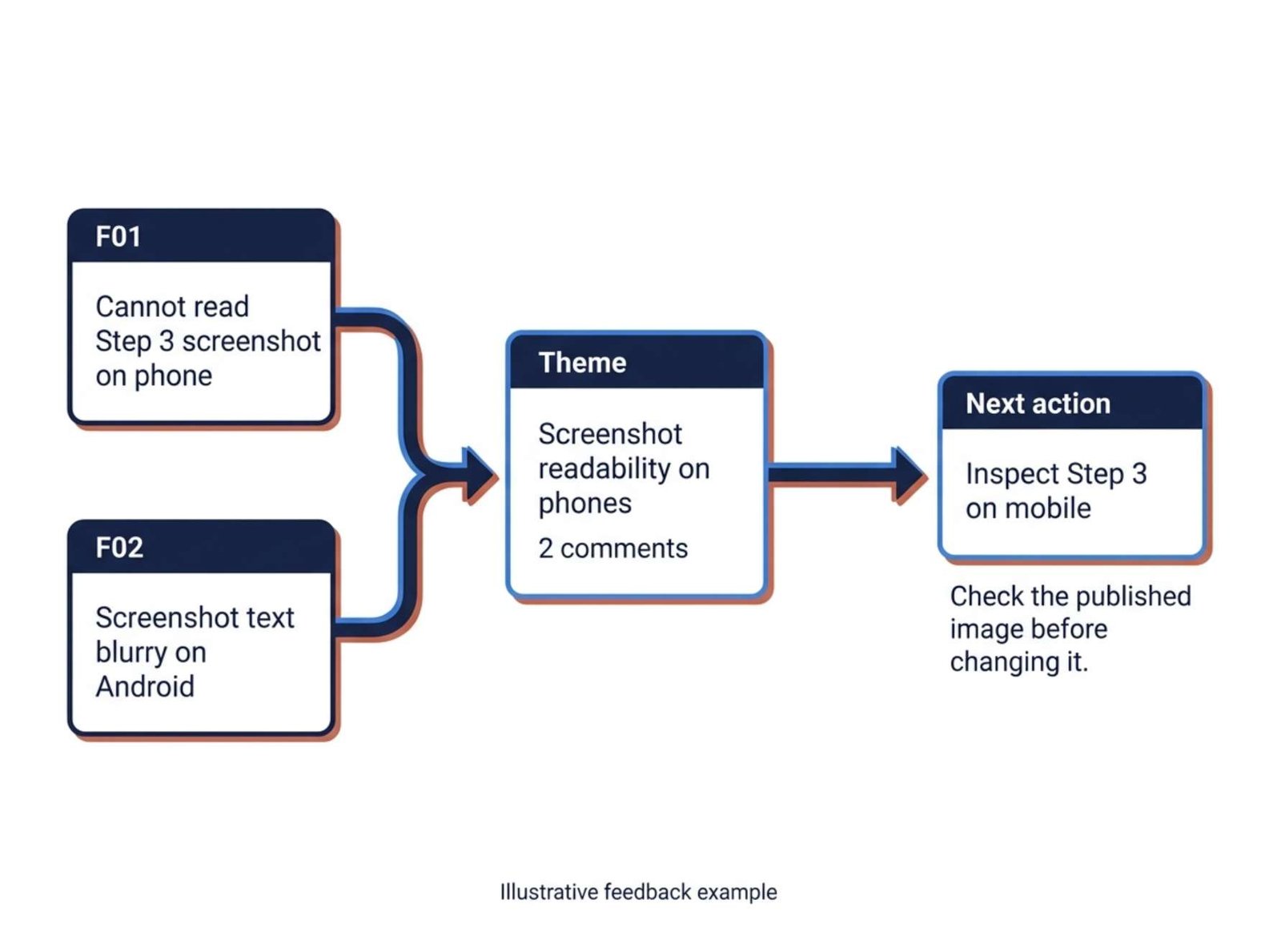
| Screenshot readability on phones | F01, F02 | 2 | Inspect Step 3 and the other screenshots at mobile display sizes |
| Instructions may differ from the current interface | F03, F08 | 2 | Compare the guide with the relevant app version |
| A practice resource would help | F05 | 1 | Consider creating a small sample video |
| Returning readers want faster navigation | F06 | 1 | Consider a jump link to the instructions |
| One reader wants a shorter opening | F07 | 1 | Review whether the introduction delays the task |
| A successful desktop experience | F04 | 1 | Preserve the working sequence while investigating the reported problems |
All eight IDs appear in this grouping. Each entry has one primary theme here, so the counts add up to eight.
Larger feedback collections often contain comments that cover several topics. In those cases, theme totals can exceed the number of comments. The supporting IDs make that overlap visible.
The practical value of the table lies in its specificity. F01 directs you to Step 3. F02 adds a device detail. F03 gives the exact words that caused confusion. Those details should survive the summary.
Watch for conclusions that grow beyond the comments
Suppose the assistant writes:
“Most readers cannot complete the tutorial because the mobile layout is broken.”
The supplied comments support a narrower conclusion. Two entries report screenshot readability problems on phones. They do not establish that the whole mobile layout is broken, that most readers are affected, or that those readers abandoned the task.
A defensible note would be:
“Two comments report difficulty reading screenshots on phones. Inspect the published images and their mobile display size.”
There is another subtle problem in the interface feedback. F03 and F08 could describe an outdated tutorial, a different app version, or different interfaces on different devices. They justify an investigation. The current interface has to be checked before rewriting the instructions.
AI systems can produce confident statements that exceed their evidence. Anthropic acknowledges that Claude can generate incorrect or misleading responses, including convincing but unsupported quotations. Check the original comments when reviewing its conclusions. Claude Help Center’s explanation of incorrect responses
Choose the first task using impact and evidence
The most frequently mentioned theme is not automatically the first one to address. Consider how the reported issue affects the reader’s ability to finish the task and how directly you can investigate it.
For this example, I would start with screenshot readability. There are two reports, one names a specific step, and you can inspect the published page immediately.
A practical task description would be:
Open Step 3 on a phone at normal reading size. Check whether the relevant setting names are legible. If necessary, replace the image with a closer crop that retains enough surrounding interface to orient the reader.
Next, check the interface discrepancy. Record which app version and device you inspect. Update the wording and images if the published guide no longer matches the workflow it claims to describe.
The practice-file request can remain a planned enhancement until you decide whether you can supply a useful file. One request is enough to consider the idea, but it does not establish demand across the entire audience.
The navigation and introduction comments also deserve separate consideration. A jump link could help a returning reader even if the introduction remains valuable to a beginner.
Turn a recommendation into a finishable task
“Improve screenshots” is too vague to mark complete.
Give the task a location, an action, and a completion check. For the mobile issue, the record could contain:
- Location: Step 3 of the video-export tutorial.
- Evidence: F01 and F02.
- Action: Inspect the published screenshot and revise its crop or presentation if needed.
- Completion check: The relevant setting names are readable at normal mobile viewing size, and the image still shows where the reader is in the app.
- Open question: Does the issue affect other screenshots in the article?
You can ask Claude to draft this record from the verified grouping. Review the proposed action before putting it into your work list.
After making the change, keep a brief note of what you checked. A page inspection can confirm that the revised screenshot is legible in the conditions you tested. Claims about improved completion rates would require separate evidence.
For your next batch of feedback, keep the same identifiers and record dates. That makes it possible to distinguish an old report from a new report about a revised page—and gives your next analysis a clear starting point.